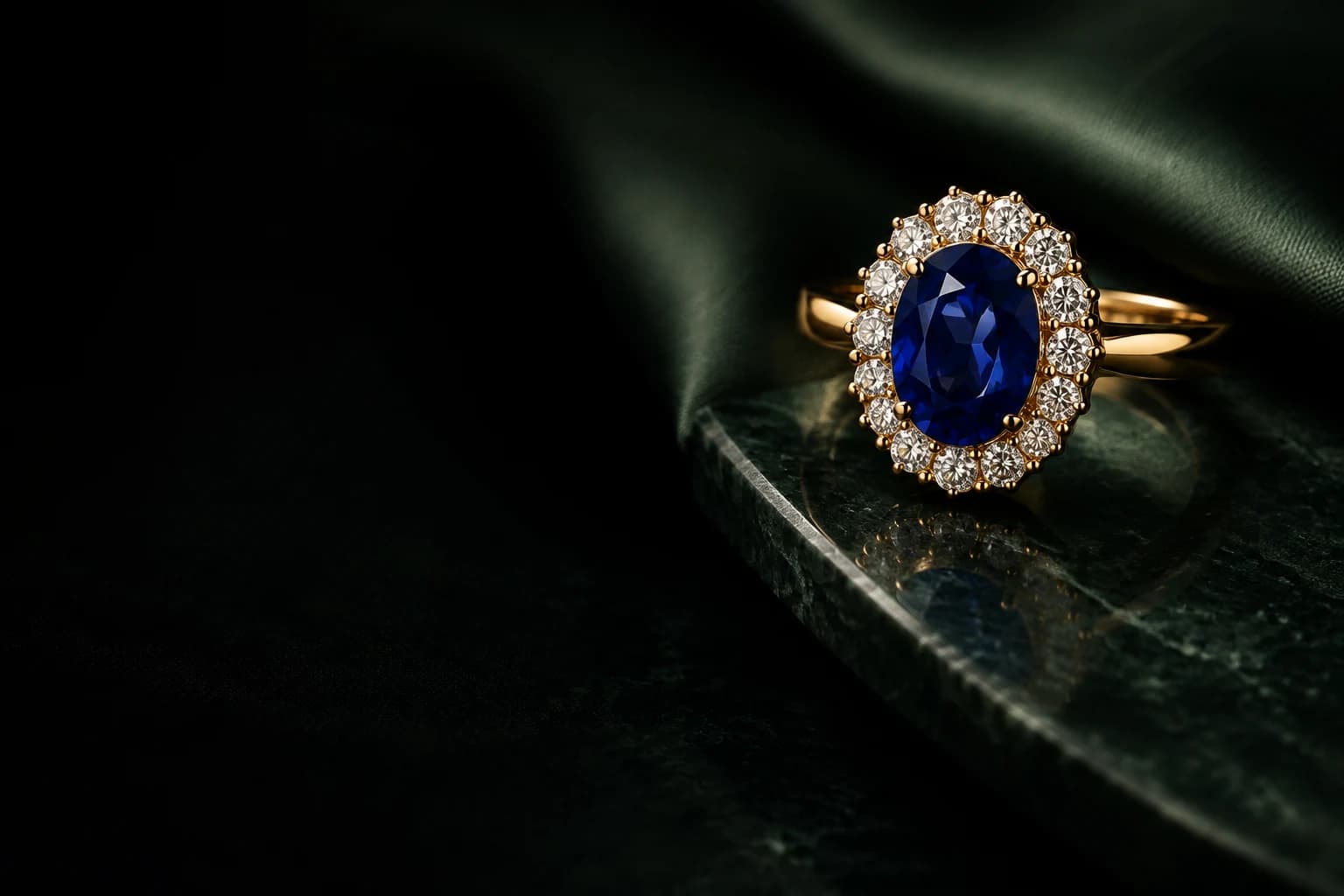
THE AI JEWELRY STUDIO
AI Jewelry
Image Generator
For jewelry designers, brands, and e-commerce sellers. Turn your ideas into jewelry images for client presentations, product visuals, and marketing campaigns.
Explore the collectionTHE COLLECTION
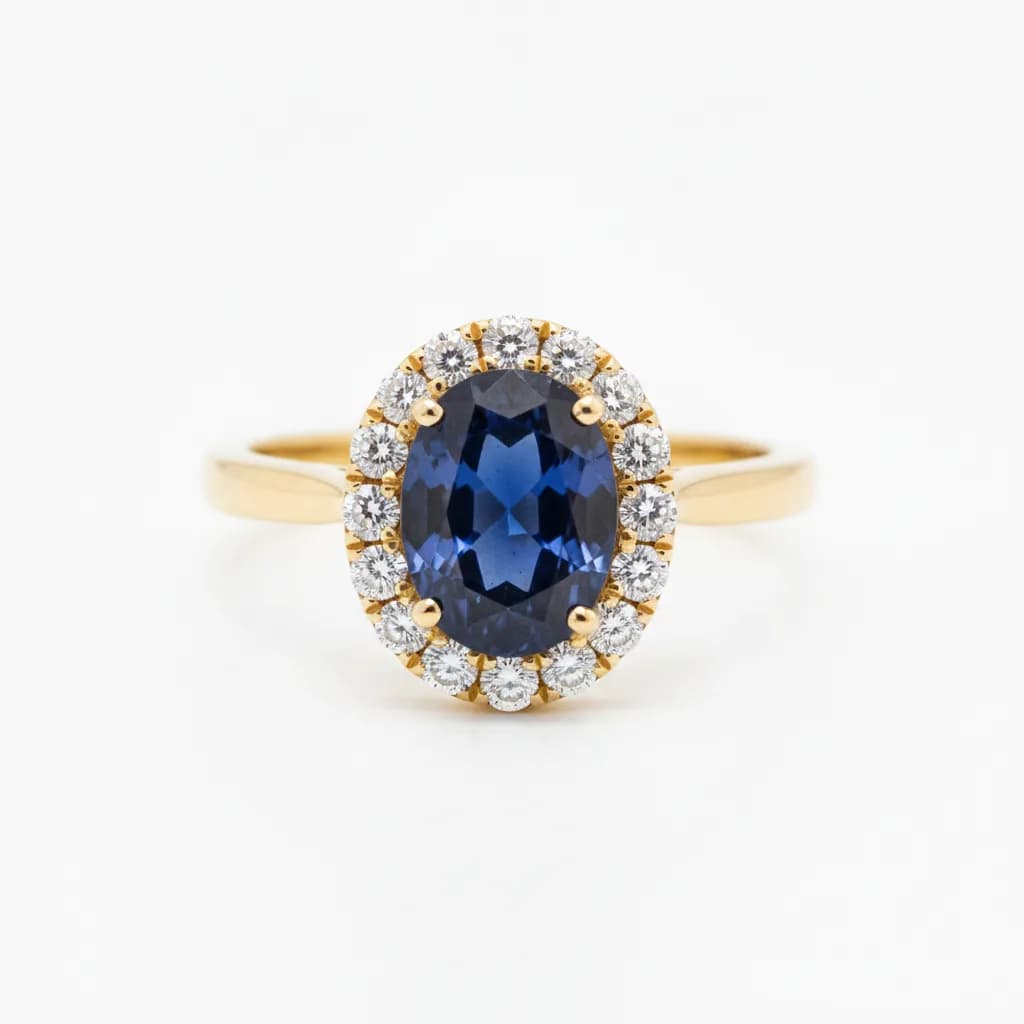
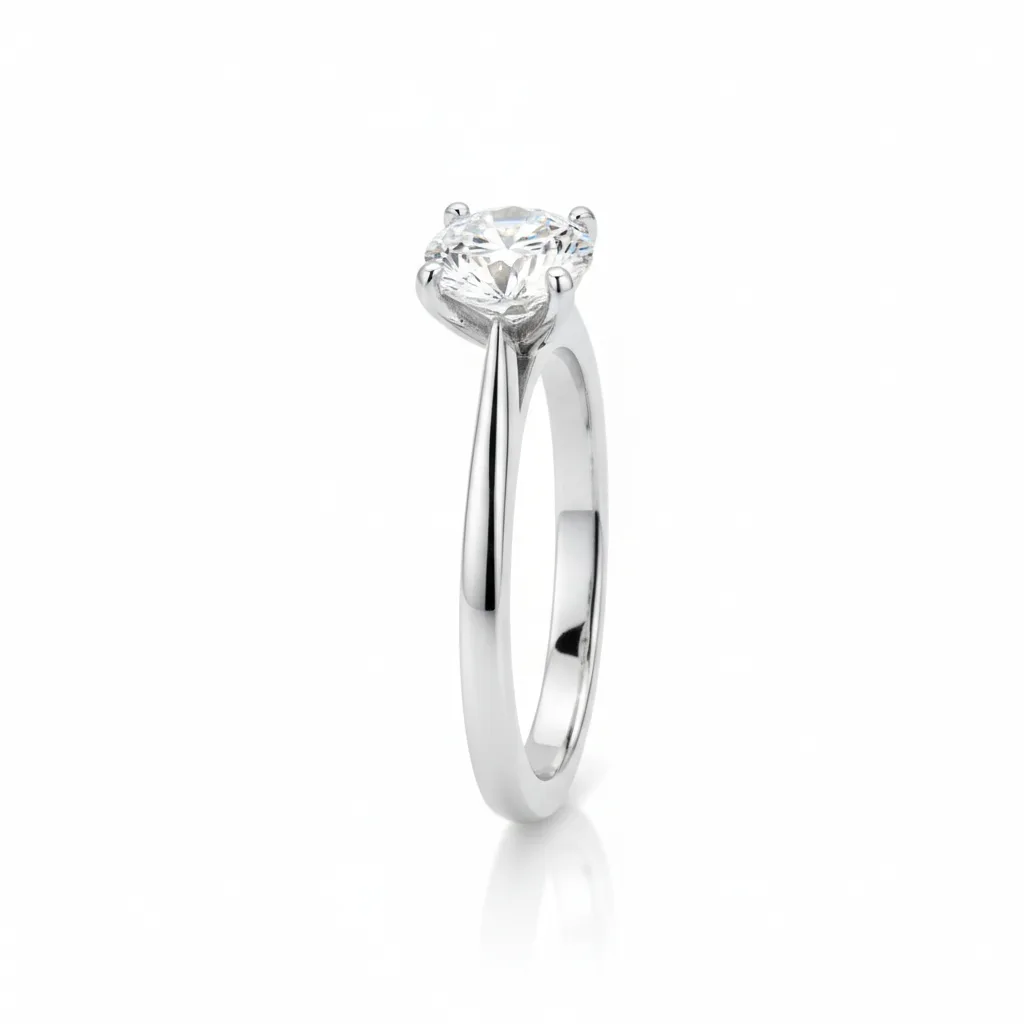
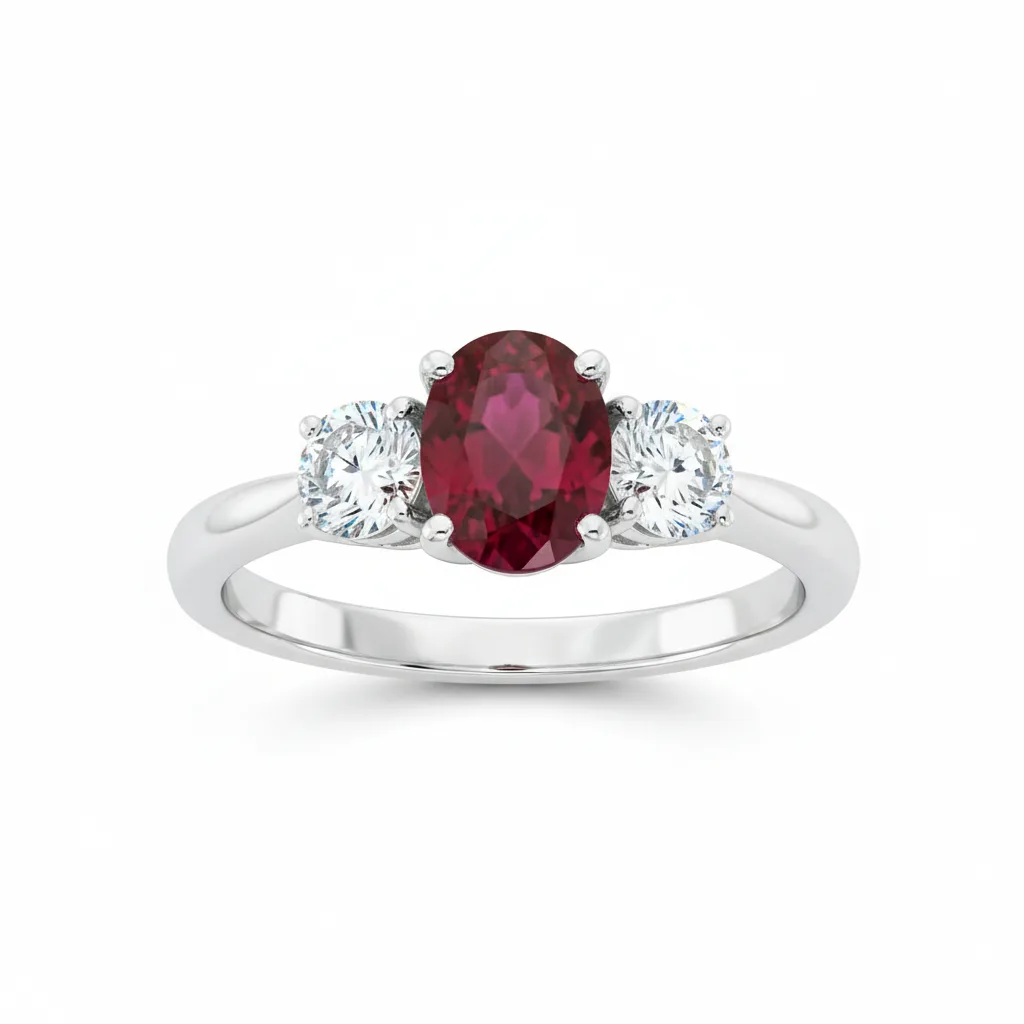
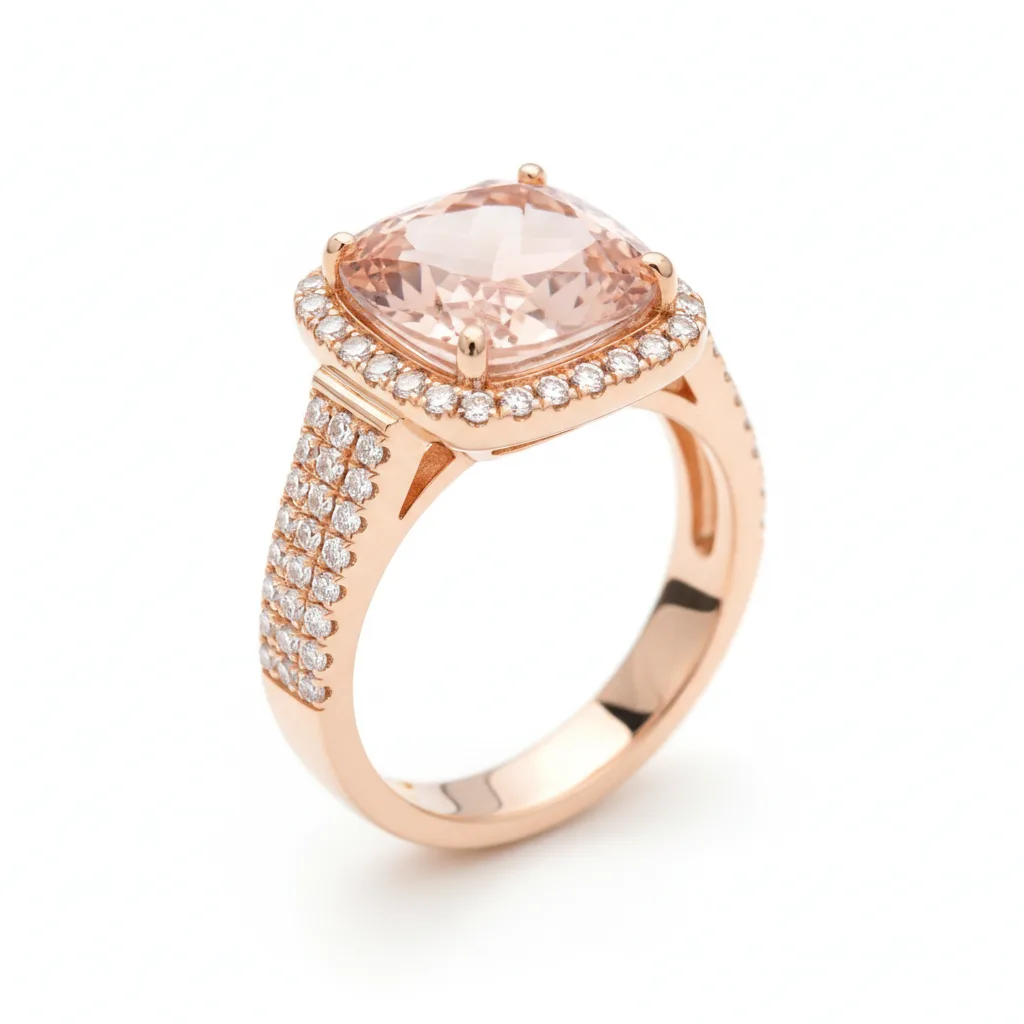
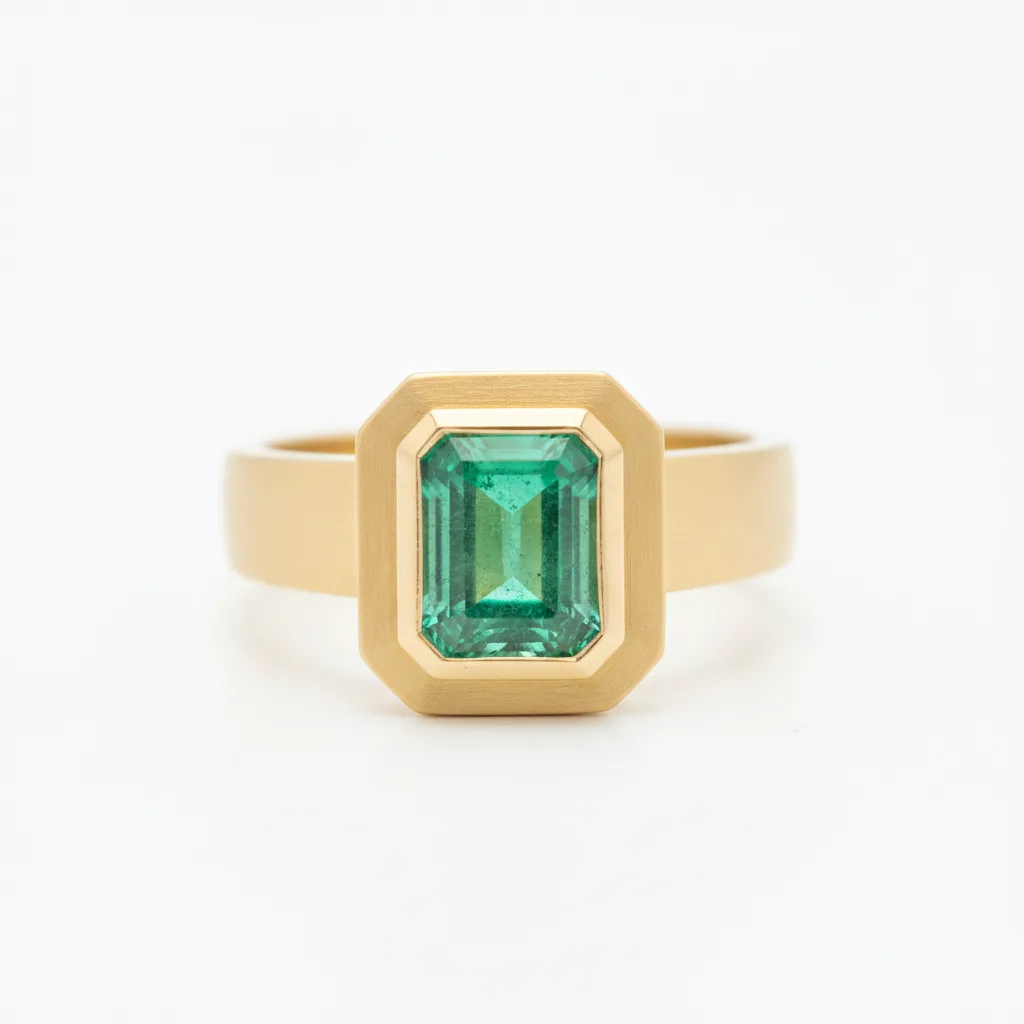
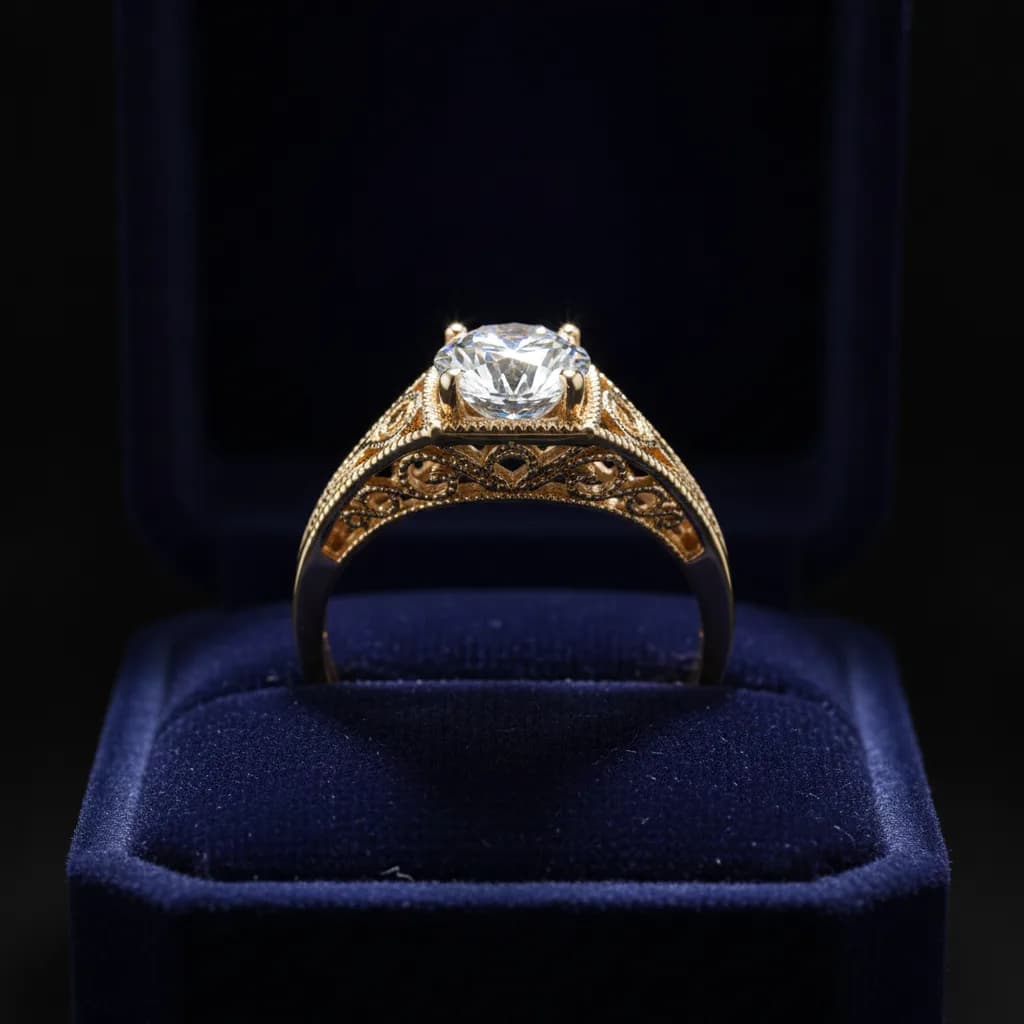
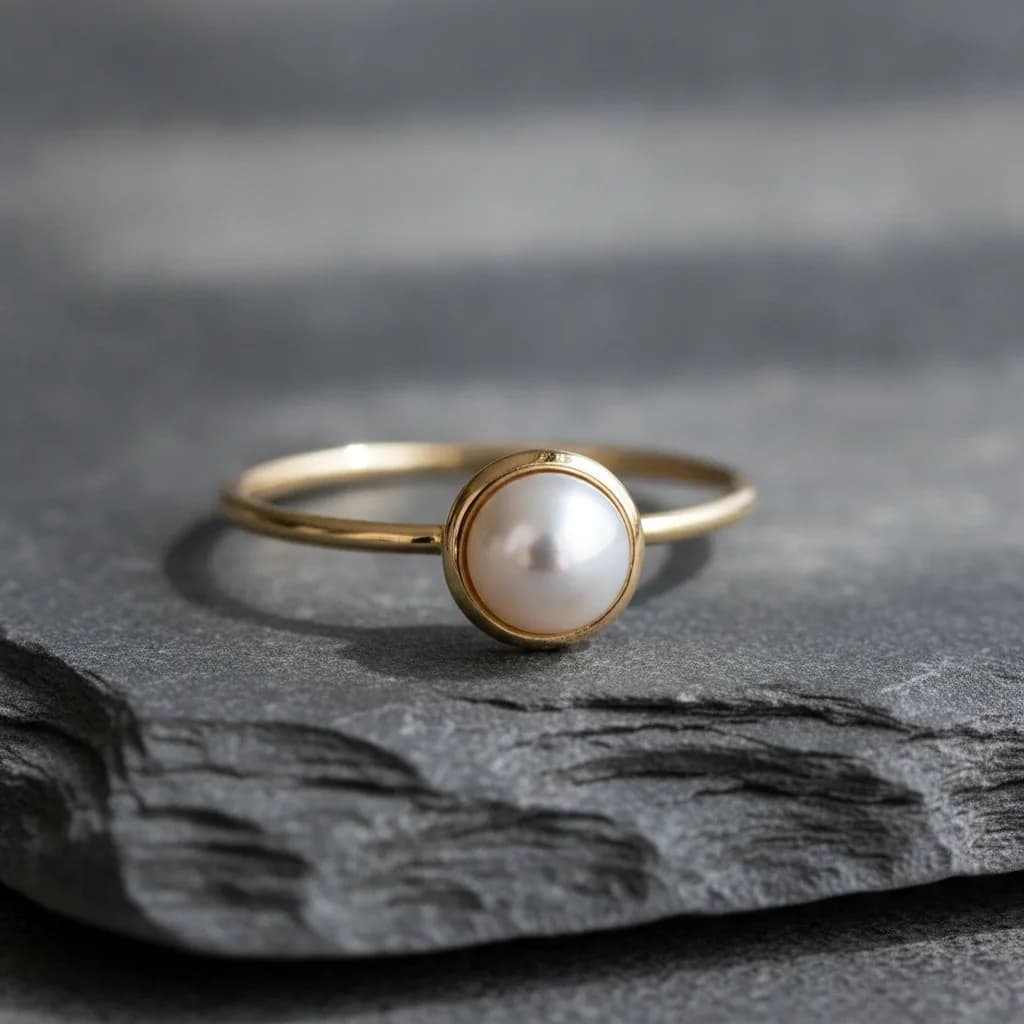
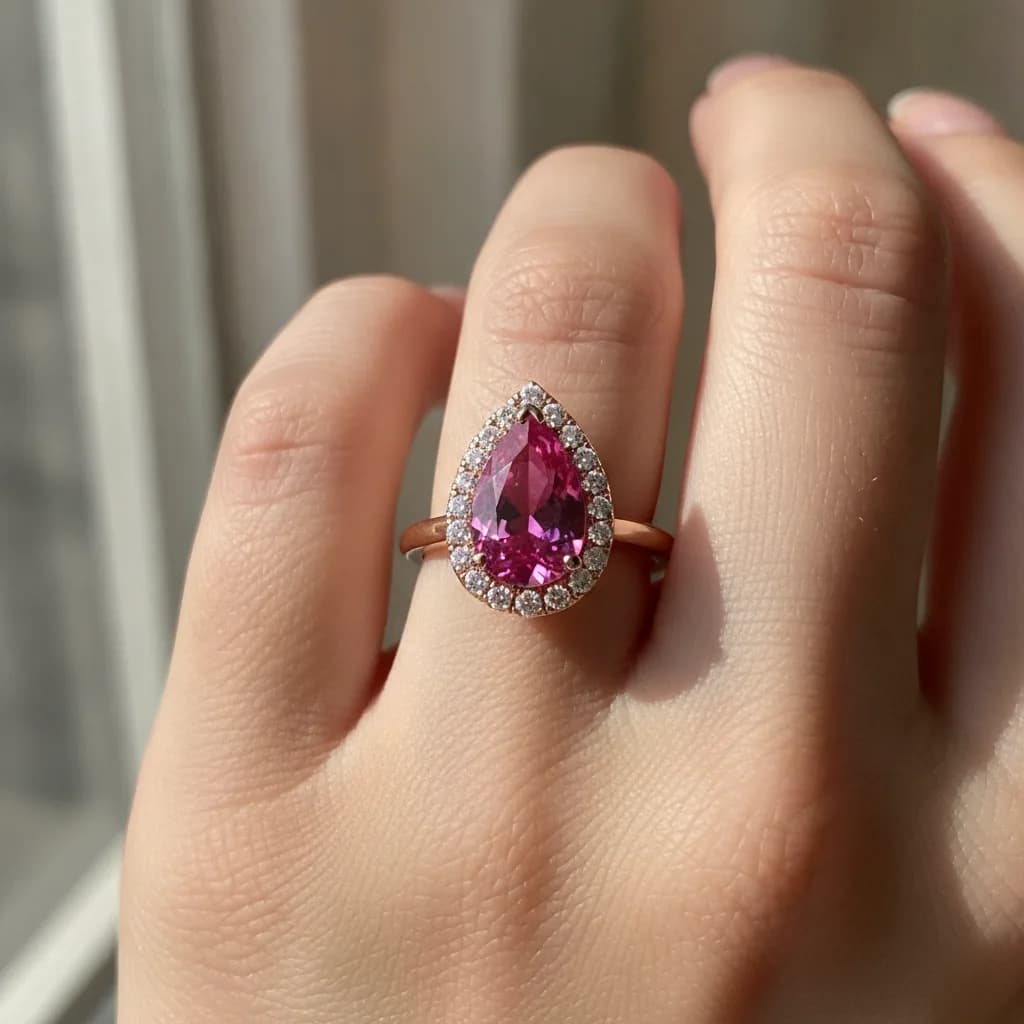
AI-generated jewelry images to inspire your next ring
Explore diamond, sapphire, and gold ring designs. Choose a recipe, then customize the metal, stone, and setting.
How it works
How to generate jewelry images with AI
- 01
Pick the metal and stone
Choose from 6 metals and 14 gemstones, then select a cut and setting for your ring.
- 02
Describe the details
Describe your ring design and refine the finish, background, and lighting. Add a sketch or photo as a reference.
- 03
Generate and download
Sign in to generate your jewelry image, then download it for design presentations, store visuals, or social media.
Built for jewelry
Explore metals, gemstones, and ring settings
Turn ring concepts into images for client presentations, jewelry collections, and e-commerce creative. Compare materials and finishes before choosing a design direction.
True metal finishes
Polished, brushed, and hammered surfaces that read as real gold and platinum.
Fourteen gemstones
From diamond and sapphire to morganite and tanzanite, each with eight cuts.
Reference images
Upload a sketch or a photo and the render follows its shape.
Commercial use
Use every render on your store, ads, and catalogs.
Pricing
Try the AI jewelry image generator for free
Every account gets 3 free renders. Paid plans with more renders and HD downloads are coming soon.
Get notified when plans launch
FAQ
AI jewelry image generator FAQ
Bring your next ring idea to life
Create an account for 3 free AI jewelry renders. No credit card required.
Generate jewelry images